August 10, 2026
Finally Installing Proxmox Onto a Second Computer!
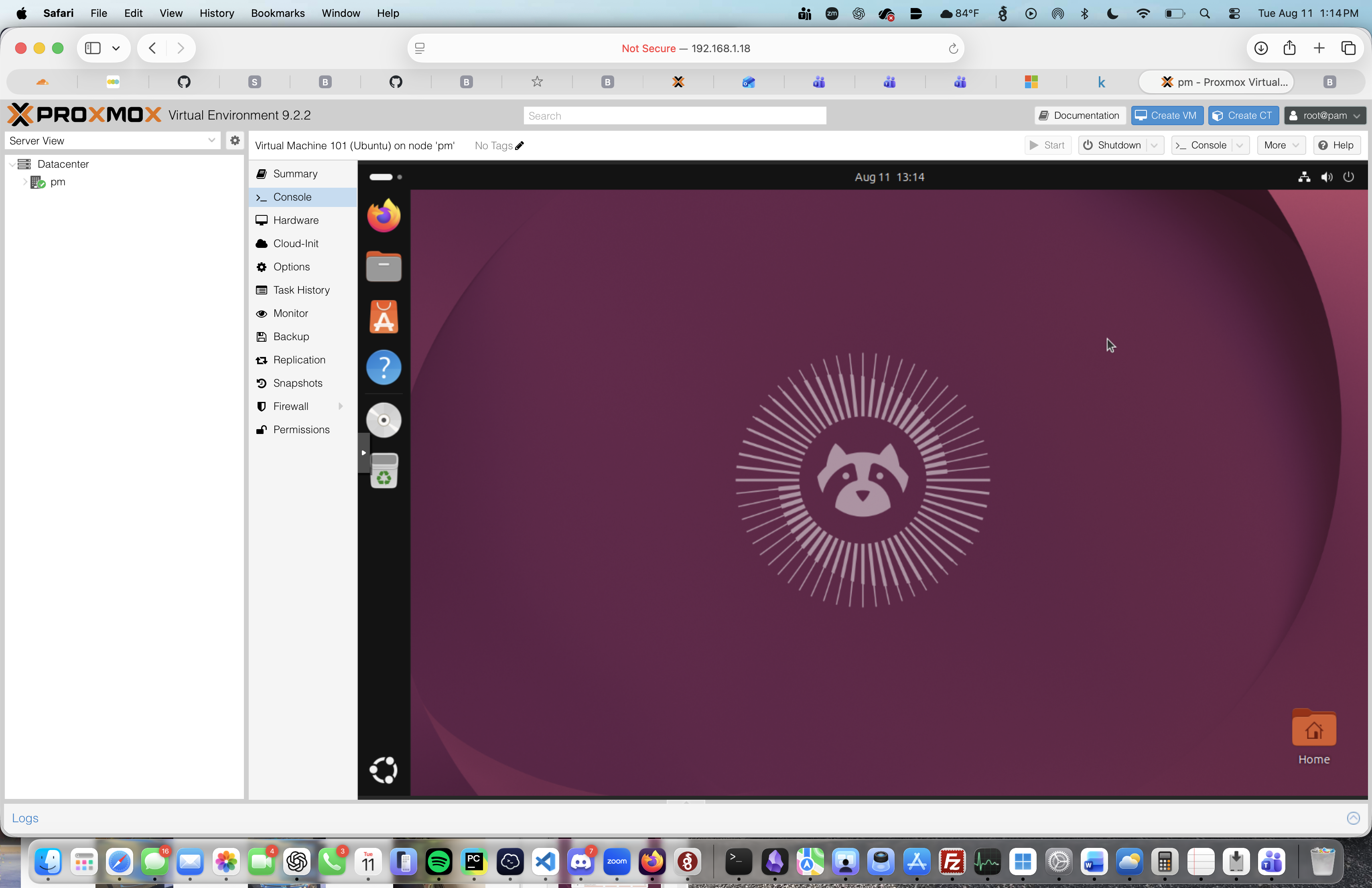
Installing Proxmox on My Home Lab Server
Installing Proxmox was something I had wanted to try for some time. I was looking for a better way to expand my home lab and make it more useful. One of my main goals with having a home lab is to set up servers that serve different purposes within my internal network. I figured Proxmox would be a good way to start doing that.
What Is Proxmox?
For those who don't know, Proxmox is a virtualization platform that allows you to run multiple virtual machines on a single physical computer.
A virtual machine is basically a computer running inside another computer. It shares the hardware resources of the physical machine while allowing you to install and run different operating systems, such as Windows or different Linux distributions.
This is one of the reasons I wanted to try Proxmox. Instead of needing a separate physical computer for every server I want to run, I can create multiple virtual machines and manage them from one place.
Installing Proxmox
While installing Proxmox, I ran into a few issues that took me some time to figure out.
The first problem I had was getting my computer to recognize the USB drive containing the Proxmox installation ISO. I tried unplugging and reconnecting the USB drive, restarting the computer, and checking different settings in the BIOS.
After spending some time troubleshooting, I eventually realized that the USB boot option was disabled in the BIOS. Once I enabled it, I was able to boot from the USB drive and continue with the installation.
Another thing I had to configure was the server's IP address. Proxmox needs an IP address that I can use to access its web interface from another computer on my network.
I decided to assign it a static IP address so that the address wouldn't change over time. Without a static IP, the server could potentially receive a different address through DHCP, making it harder to access if I didn't know the new address.
Final Thoughts
Although the installation didn't go exactly how I expected, I learned quite a bit from troubleshooting the issues I ran into. It gave me more experience working with BIOS settings, virtualization, and basic server networking.
Moving forward, I plan on using Proxmox to install different operating systems, set up more servers, and continue expanding my home lab.
I'm looking forward to seeing what else I can do with it and learning more as I go.
Comments
awesome post!